How to check DualSense compatibility before you play
Check device pairing and game features separately, especially if you want haptic feedback on PC.
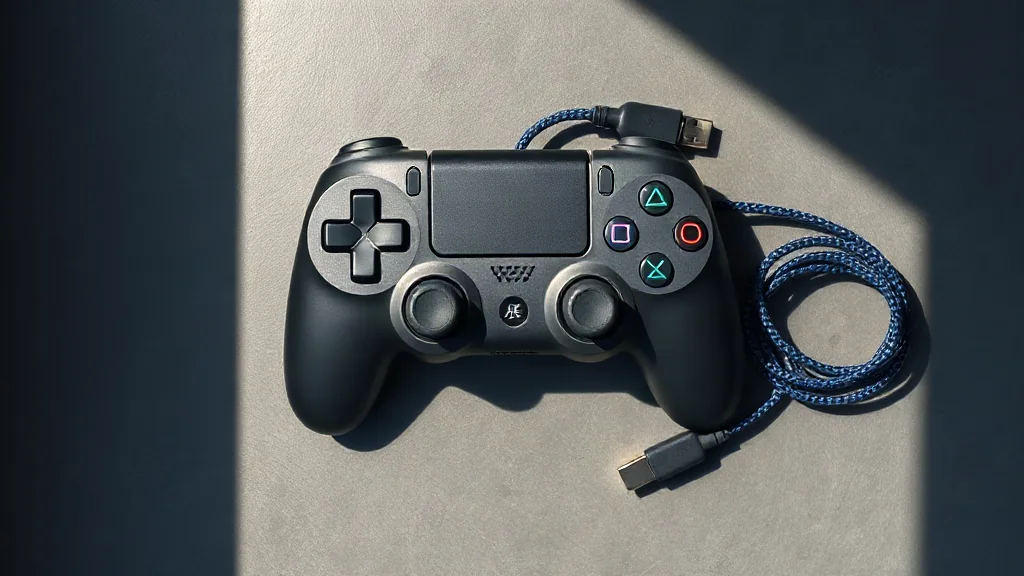
Start with the device you want to play on. DualSense pairs with supported devices over Bluetooth or USB, so check which connection methods your device supports before setting up the controller. Then check the game itself. Individual features vary by title, so a successful connection is only the first part of figuring out which functions you can use.
On PC, haptic feedback requires a USB connection in games that support it. If that feature matters to you, check the game’s support information first and connect over USB for your session. If you switch between games or devices, repeat the check for each combination. That saves you from troubleshooting the controller when the feature you’re looking for depends on the game or connection.
Browse PC controllers on Amazon UK