What to check before using Xbox Cloud Gaming in the UK
Match the game, device, subscription and connection to the session you want to play.
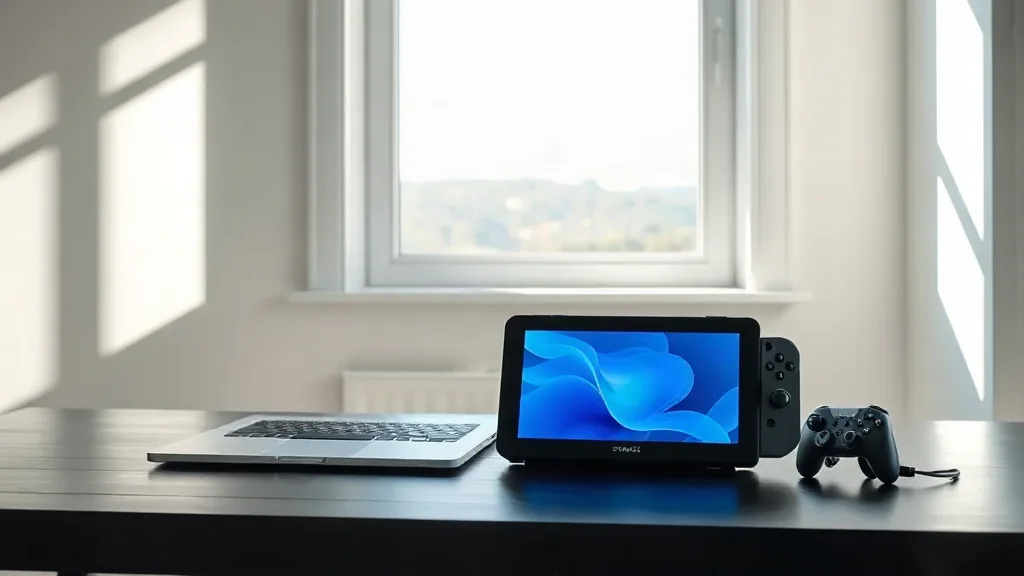
Start with the game you intend to play. Xbox Cloud Gaming streams supported games on compatible devices, so look up the exact title in the current UK cloud catalogue. Check the device you plan to use and read the subscription requirements for cloud access. If you share a device, verify the subscription on the account you’ll actually use for the session.
Check the connectivity requirements against the connection you expect to play on. If you plan to switch locations or devices, repeat that check for each setup. Work through the checks before committing to a subscription for a single game. The title’s cloud listing, device compatibility, subscription requirements and connectivity all matter to that decision.